LIQUID
Decentralised exchange — exchange application mark, not a live market.
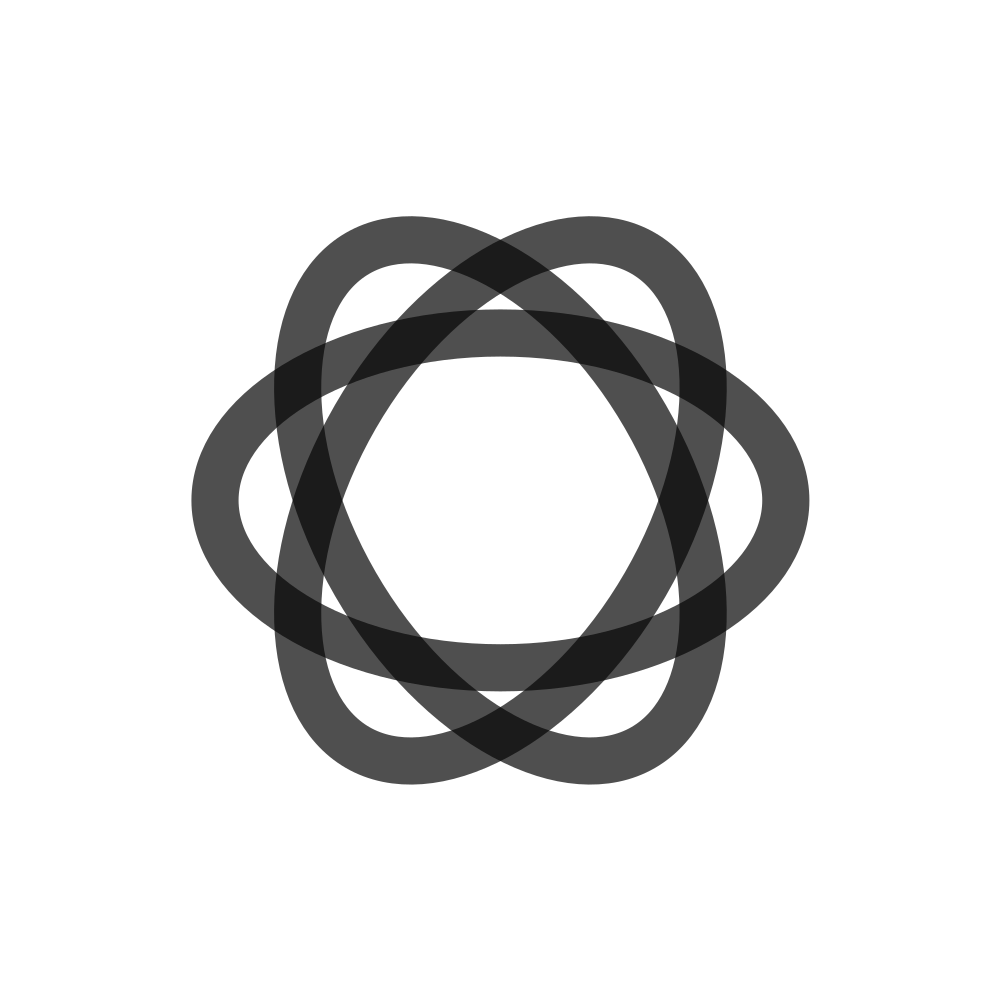

Use the supplied artwork without redrawing, stretching or cropping it. These are static file specimens; they do not replace the brand’s prescribed motion.
Identity
LIQUID is the exchange application. Its mark is not the Skyzai parent and not a live market.
This mark is distinct from the Skyzai parent seal. Use each identity in its own context.
Clearspace
Preserve the full SVG viewBox and leave the artwork separate from neighbouring text and controls. This summary does not specify an additional measured minimum; consult the detailed reference before producing a new lockup. Existing artboard margins are not a clear-space measurement.
Colour
Exchange ink on substrate; do not imply live settlement on marketing surfaces.
Select the supplied light or dark asset for its background. Night Light adjusts the surrounding interface, not the artwork’s geometry.
Usage
Do
- Use on LIQUID / SoResFi documentation surfaces
- Distinguish maker offer, buyer intent, authorised transaction
- Point to SoResFi for financial design
Don't
- Imply live markets or settlement
- Use as parent seal
- Collapse product offer and financial instrument marks